
A little more yours.
Ricing guides for the apps you spend your day in.
Start with one app. Choose a look you like, make a few deliberate changes, and keep a way back. These guides separate built-in settings from unofficial tools so you can decide how far to go.
01 / Linear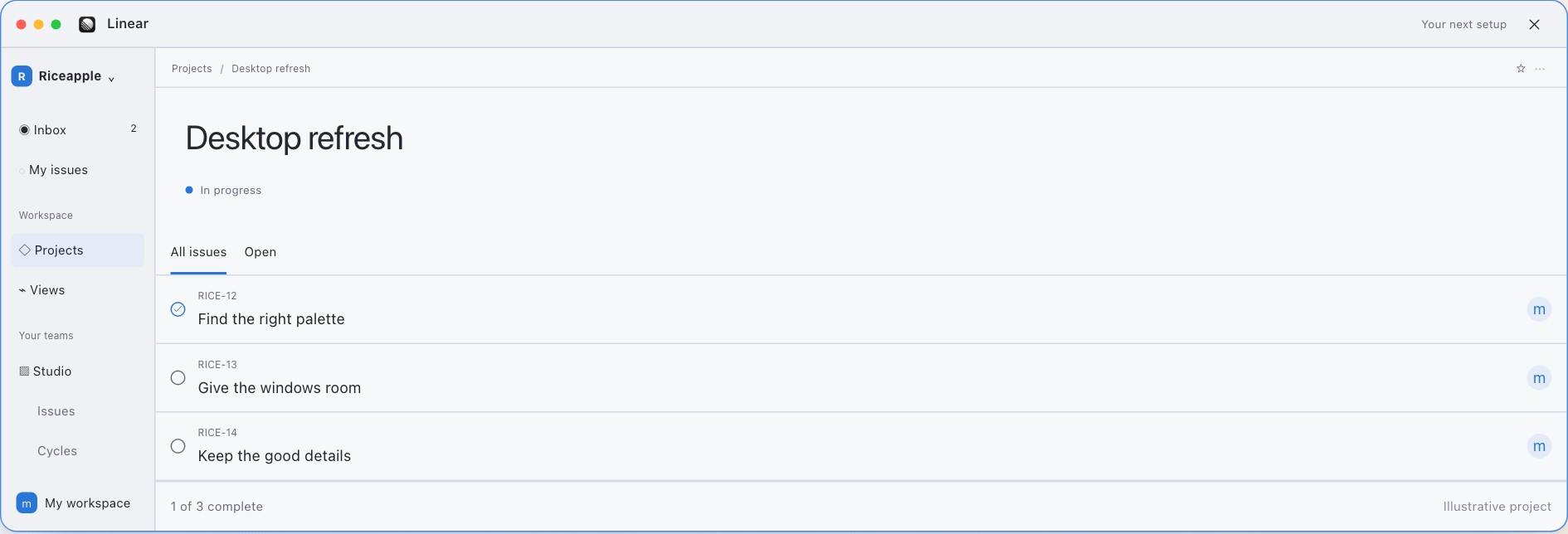

How to rice Linear
Start in Linear’s Preferences, under Interface and theme.
Read the guide 02 / DiscordHow to rice Discord
Free: default themes, spacing, text size, and a Dark Sidebar option in Light.
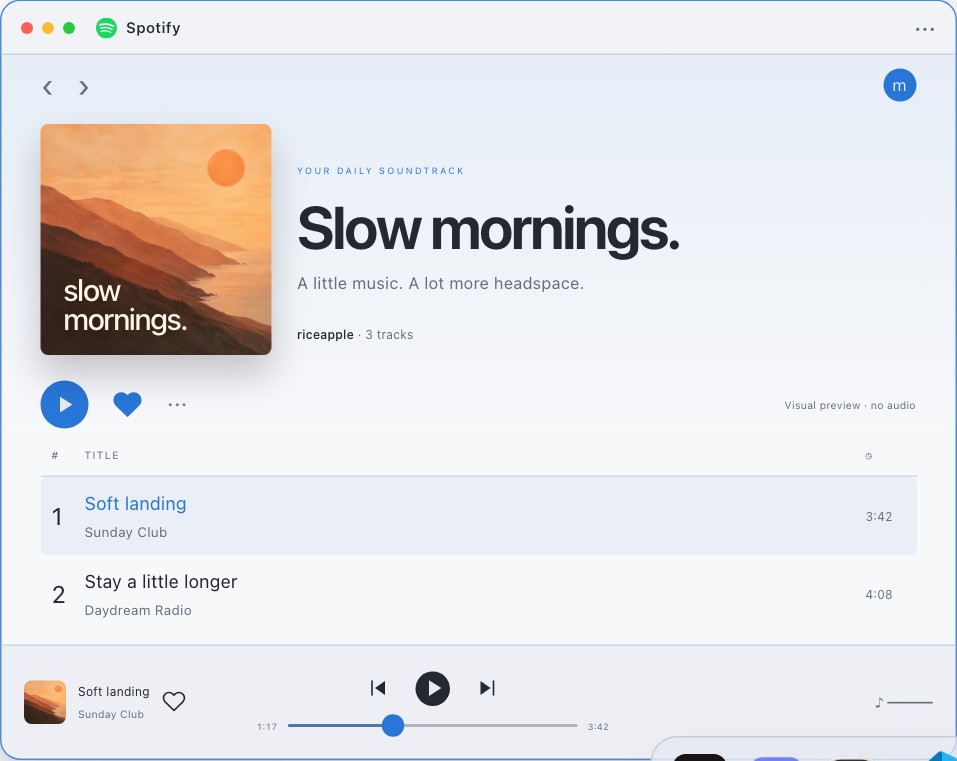
Read the guide 03 / SpotifyHow to rice Spotify
Start with the unmodified player and a coordinated desktop.
Read the guideNew to the idea? Our Mac ricing guide starts with the desktop. For a visual starting point, explore Mac setup ideas or try the Riceapple playground. The playground shows fictional styling previews; it doesn’t modify these apps.
Try it for yourself.
A different palette. A little more space. See what feels right.